Anifun AI Anime Generator How to Make Perfect Anime Portraits
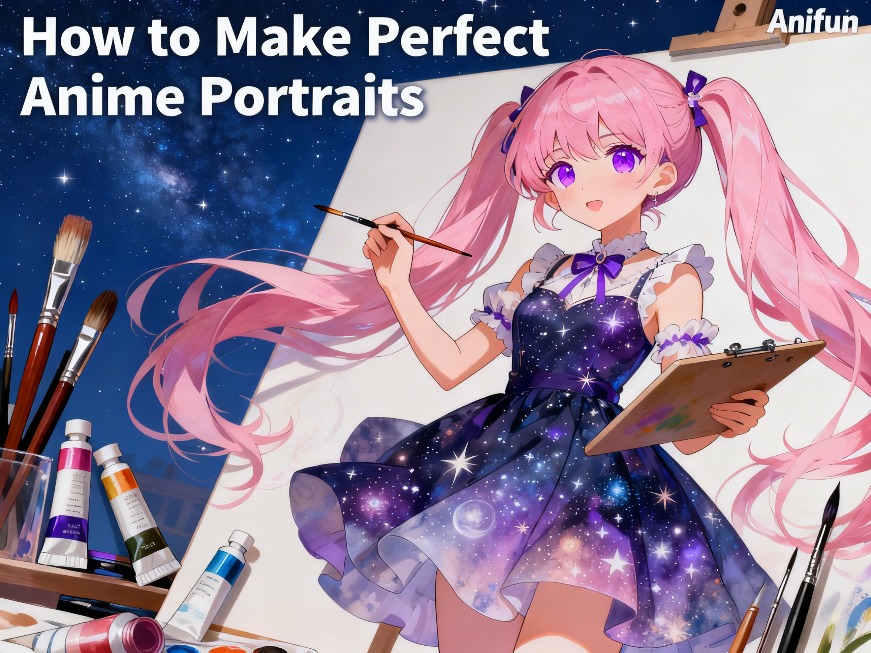
Creating the perfect anime portrait can be both exciting and challenging for artists and enthusiasts alike. The AI Anime Generator makes this process significantly easier by providing intuitive tools, style customization, and powerful AI-driven generation. Whether you are designing a character for social media, a game, or personal use, mastering anime portrait creation can elevate your creative output.
With the Free AI Anime Generator, users can produce high-quality, precise anime portraits without the steep learning curve of traditional digital painting. Its combination of models, style Loras, and prompt customization allows anyone to create portraits that are visually consistent, expressive, and fully customizable. This guide will walk you through the practical steps to create perfect anime portraits, share useful tips, and highlight why Anifun stands out for this type of artwork.
How to Create Anime Portraits with Anifun
Anifun simplifies the portrait creation process through clear workflow and powerful AI tools.
Step 1: Open the Generator and Set Aspect Ratio
- Navigate to the Anifun AI Anime Generator interface.
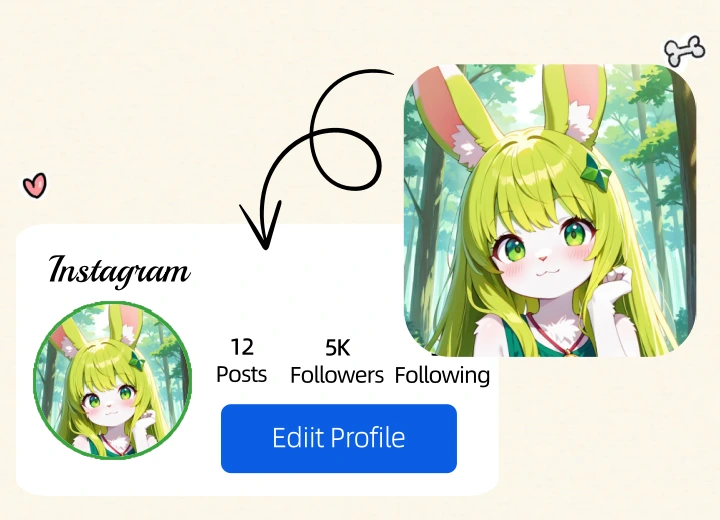
- Select the 1:1 aspect ratio to ensure the portrait is perfectly square, ideal for avatars or profile pictures.
- Tip: The square format helps maintain symmetry and focus on facial details.
Step 2: Choose a Model and Style
- Models: Anifun provides 20 large AI models specialized for different anime aesthetics, from classic cel-shading to painterly or realistic styles.
- Style Loras: Pick from hundreds of style Loras to overlay unique artistic elements, lighting, or expressions.
- Tip: Match the model with the style for better fidelity—e.g., semi-realistic model with painterly Lora for soft, expressive portraits.
Step 3: Enter Keywords and Prompts
- Input character details such as facial features, hair, clothing, background, and expression.
- Be descriptive for precise results: for example, “long wavy pink hair, sparkling green eyes, smiling gently, soft light, fantasy background.”
- Tip: Include style-specific keywords to influence AI output, like “chibi,” “retro,” or “Studio Ghibli style.”
Tips for Perfect Anime Portraits
Even with AI assistance, certain techniques can enhance portrait quality and expression.
1. Focus on Facial Features
- Specify eye shapes, mouth expression, and eyebrows for personality.
- Tip: Adjust the prompt if the AI output doesn’t capture the intended emotion.
2. Experiment with Angles
- Try slightly tilted or profile views to add dynamic appeal.
- Tip: Include “slight angle” or “3/4 view” in the prompt.
3. Control Lighting and Shadows
- Lighting dramatically affects mood and depth.
- Tip: Include descriptors like “soft backlight” or “dramatic shadows” to guide the AI.
4. Use Layered Styles with Loras
- Combine multiple Loras for enhanced effects, e.g., one for lighting, one for texture.
- Tip: Keep track of combinations that produce the best results for your preferred style.
5. Refine Through Iteration
- Generate multiple versions and choose the best one.
- Tip: Save prompts and Lora combinations for consistency in batch creation.
6. Backgrounds Matter
- Backgrounds can highlight the character or set a scene.
- Tip: Use descriptive prompts like “flower garden,” “sunset cityscape,” or “studio portrait background.”

Advantages of Creating Anime Portraits with Anifun
Anifun is not only powerful but also convenient, versatile, and free for all users.
Free and Unlimited Adjustments
- Users can generate and tweak portraits without limitations.
- Tip: Experiment freely with multiple iterations to achieve perfection.
Output Formats and Adaptability
- Download images in multiple formats and resolutions suitable for social media, prints, or avatars.
- Tip: Use PNG for transparent backgrounds or high-detail portraits.
One-Click Sharing and Reprocessing
- Easily share creations or refine them further within Anifun.
- Supports image reprocessing such as background removal, image upscaling, and style or filter conversion.
- Tip: Use the upscaler to increase resolution for prints or professional presentations, or apply style filters to transform the look of existing portraits.
High Customization and Style Control
- Adjust facial expressions, hair, clothing, accessories, and backgrounds through prompts and Loras.
- Tip: Combine descriptive prompts with style Loras for unique portrait aesthetics.
Conclusion Anifun Is the Best Tool for Anime Portraits
For anyone looking to create perfect anime portraits, Anifun AI Anime Generator is an exceptional choice. With its intuitive interface, extensive model and Lora library, free unlimited adjustments, output adaptability, and support for image reprocessing, Anifun empowers creators to produce high-quality, expressive, and fully customizable anime portraits efficiently. Whether for personal avatars, professional projects, or commercial designs, Anifun ensures that every portrait stands out with precision and artistic flair.