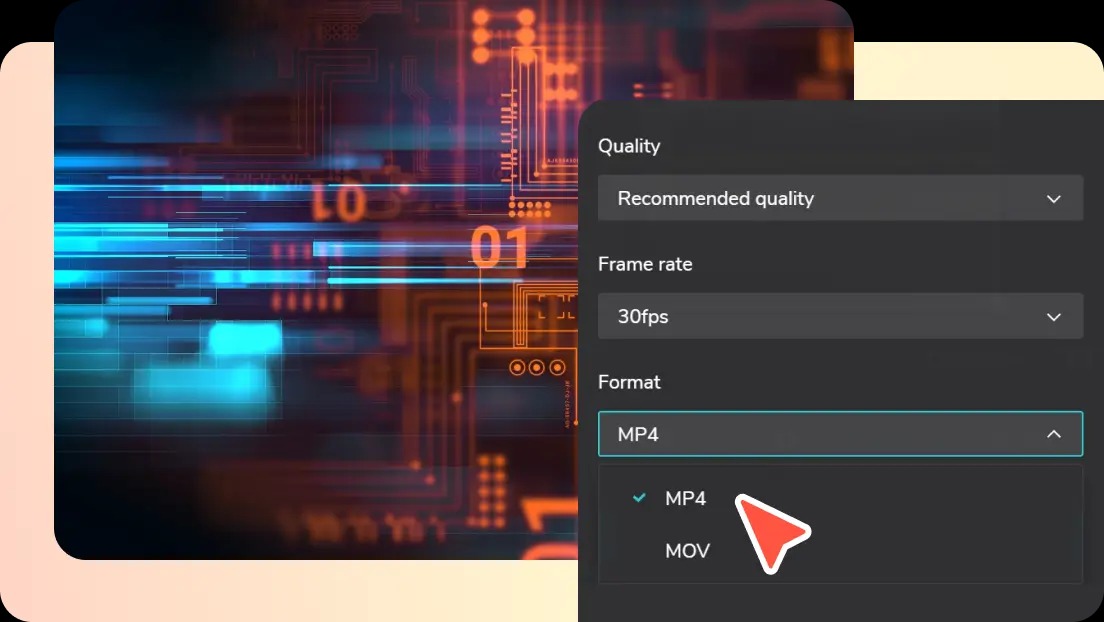
How to Convert MOV to MP4: A Complete Guide for Seamless Video Compatibility
In today’s digital world, video content plays a vital role across social media, websites, marketing campaigns, and personal projects. However, creators often encounter compatibility issues due to different video formats. One of the most common challenges is dealing with MOV files. Developed by Apple, MOV files are widely used on macOS and iOS devices because they preserve high-quality video and audio. While excellent for editing and playback on Apple devices, MOV files can pose challenges when uploading to websites, sharing online, or using in video editing software that prefers a more universal format. This is where knowing how to convert MOV to MP4 becomes essential. MP4 is the most widely supported video format, compatible with nearly every platform, device, and editing software, making it the go-to format for creators seeking maximum flexibility.
Understanding MOV and MP4 Formats
Before diving into conversion methods, it is helpful to understand the difference between MOV and MP4. MOV files are designed to retain high-quality content, which makes them ideal for editing and post-production. However, they often have larger file sizes and limited compatibility outside Apple’s ecosystem. On the other hand, MP4 is a compressed format that balances high video quality with smaller file sizes, making it faster to upload and stream online. This format is supported by Windows, macOS, Linux, mobile devices, social media platforms, and most web browsers, which is why converting MOV to MP4 is a necessary step for many creators and professionals.
Why You Might Need to Convert MOV to MP4
There are several reasons why converting MOV to MP4 is essential. Firstly, compatibility is a key factor. Many video platforms, including YouTube, Facebook, and Instagram, recommend or require MP4 for uploads. Attempting to upload MOV files directly may result in errors or playback issues. Secondly, file size optimization is crucial. MOV files are often larger due to minimal compression, which can slow down uploads or consume excessive storage. MP4’s compression allows for high-quality videos without the unnecessary bulk. Finally, workflow efficiency is a consideration for editors. MP4 files are easier to handle in most editing software and can be combined seamlessly with other media formats, ensuring smoother post-production.
Methods to Convert MOV to MP4
There are several reliable methods to convert MOV to MP4, each with its advantages depending on your needs.
Using Online Conversion Tools
Online converters are ideal for users who need a quick solution without installing software. Websites such as CloudConvert, Convertio, and Online-Convert allow you to upload a MOV file, select MP4 as the output format, and download the converted video. This method is convenient, fast, and suitable for small to medium-sized files. However, large files or unstable internet connections may limit efficiency.
Using Desktop Software
For larger files or more advanced control, desktop software offers greater flexibility. Programs like VLC Media Player, HandBrake, and Adobe Media Encoder allow you to convert MOV to MP4 while customizing resolution, bitrate, frame rate, and compression settings. This method is ideal for professionals who want to maintain high-quality output and ensure precise control over file specifications.
Using Video Editing Software
Many video editing applications, such as Adobe Premiere Pro, Final Cut Pro, and DaVinci Resolve, allow direct export of MOV projects as MP4 files. This is convenient for editors who have already completed post-production, as it eliminates the need for separate conversion steps while maintaining quality and compression options.
Tips for Maintaining Quality During Conversion
Converting MOV to MP4 involves compressing the video, which can potentially affect quality if not done carefully. To minimize quality loss, choose reliable conversion software, retain the original resolution, and select an appropriate bitrate. High-definition videos should maintain their aspect ratio and frame rate during conversion. Additionally, using modern codecs like H.264 or H.265 ensures that the MP4 file is both high-quality and optimized for web streaming.
Benefits of Convert MOV to MP4
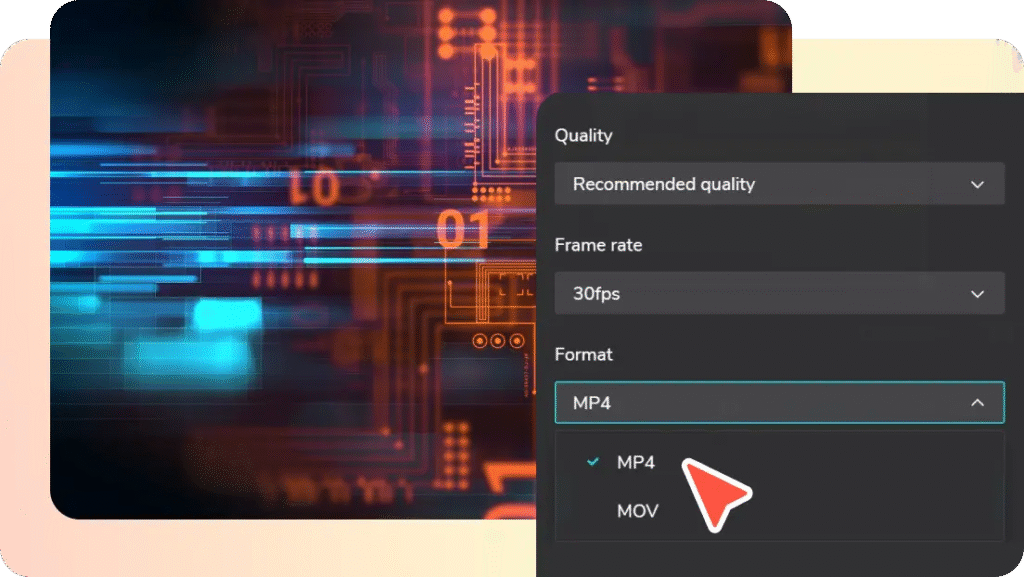
convert MOV to MP4 offers numerous advantages. Firstly, it enhances compatibility across devices, platforms, and software, ensuring seamless playback. Secondly, MP4 files are easier to share, upload, and store due to smaller sizes without compromising video quality. Thirdly, MP4 is widely supported for editing, making collaboration with other creators or clients smoother. These benefits collectively improve efficiency, reduce technical frustrations, and make content more versatile for personal or professional use.
Common Use Cases for MP4 Videos
MP4 files are versatile and widely used across various scenarios. Social media content creators prefer MP4 for Instagram reels, YouTube uploads, and Facebook videos because of universal compatibility. Educators and trainers convert lectures or tutorials to MP4 for online courses and presentations. Businesses use MP4 for marketing campaigns, product demos, and internal training videos. Additionally, MP4 is the preferred format for streaming, cloud storage, and sharing across multiple devices without compatibility concerns.
Final Thoughts on Converting MOV to MP4
Understanding how to convert MOV to MP4 is an essential skill for anyone dealing with video content. The process ensures broader compatibility, smaller file sizes, and smoother workflow for editing, sharing, and streaming. Whether using online converters, desktop software, or video editing programs, creators can convert their MOV files efficiently while preserving quality. By mastering this process, users gain flexibility and control over their video content, allowing them to reach larger audiences and optimize their digital projects.